App connectors · App connectors
HubSpot — SAML SSO via Thoryn
HubSpot Enterprise SSO. SAML 2.0 only; use Thoryn's SAML bridge.
- hubspot
- saml
- sales
Tested against:hub: 1.0.0hubspot: Enterprise 2026
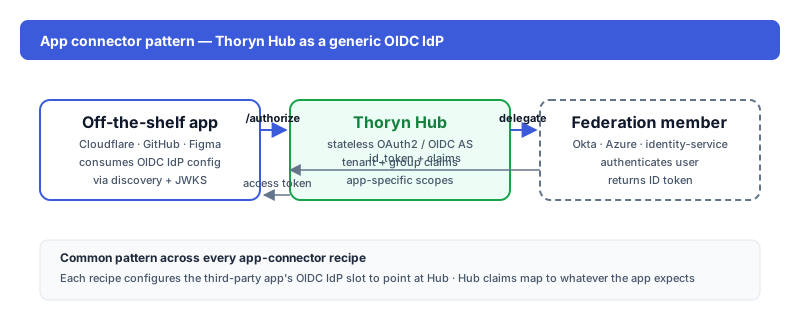
What you get
HubSpot users authenticate via Thoryn. SSO covers Marketing Hub, Sales Hub, Service Hub, and the unified user list.
Setup
1. In Thoryn
hub saml-sp create \
  --name "HubSpot" \
  --acs-url "https://api.hubspot.com/login-api/v1/saml/acs/YOUR-PORTAL-ID" \
  --entity-id "https://api.hubspot.com/login-api/v1/saml/YOUR-PORTAL-ID" \
  --sign-assertions true
2. In HubSpot
Settings → Account Defaults → Security → Single Sign-On. Paste:
| Field | Value |
|---|---|
| Sign-in URL | https://hub.thoryn.org/saml/sso/<sp-id> |
| Issuer | https://hub.thoryn.org |
| Certificate | (X.509 from step 1) |
3. Attribute mapping
HubSpot expects:
| HubSpot field | SAML attribute |
|---|---|
email (NameID) | |
| First name | firstName |
| Last name | lastName |
Caveats
- Enterprise tier required for SAML SSO.
- HubSpot uses email as the join key — duplicate emails create distinct users.